How VPNs Protect Your Privacy Online | VPN Security Guide

What Is a VPN and Why It Matters for Online Security:

Virtual Private Networks (VPNs) allow computers to send and receive information on platforms such as the Internet. Those providing resources and connections pledge legitimacy and privacy regarding users’ personal information and behavior.

With more consumers purchasing mobile devices, laptops, iPads, Kindles, etc., with Internet accessibility, attention to security is in high demand. Yet, a significant number of VPN users could be neglectful in placing great trust in providers.

VPN Logging Practices: What You Need to Know:

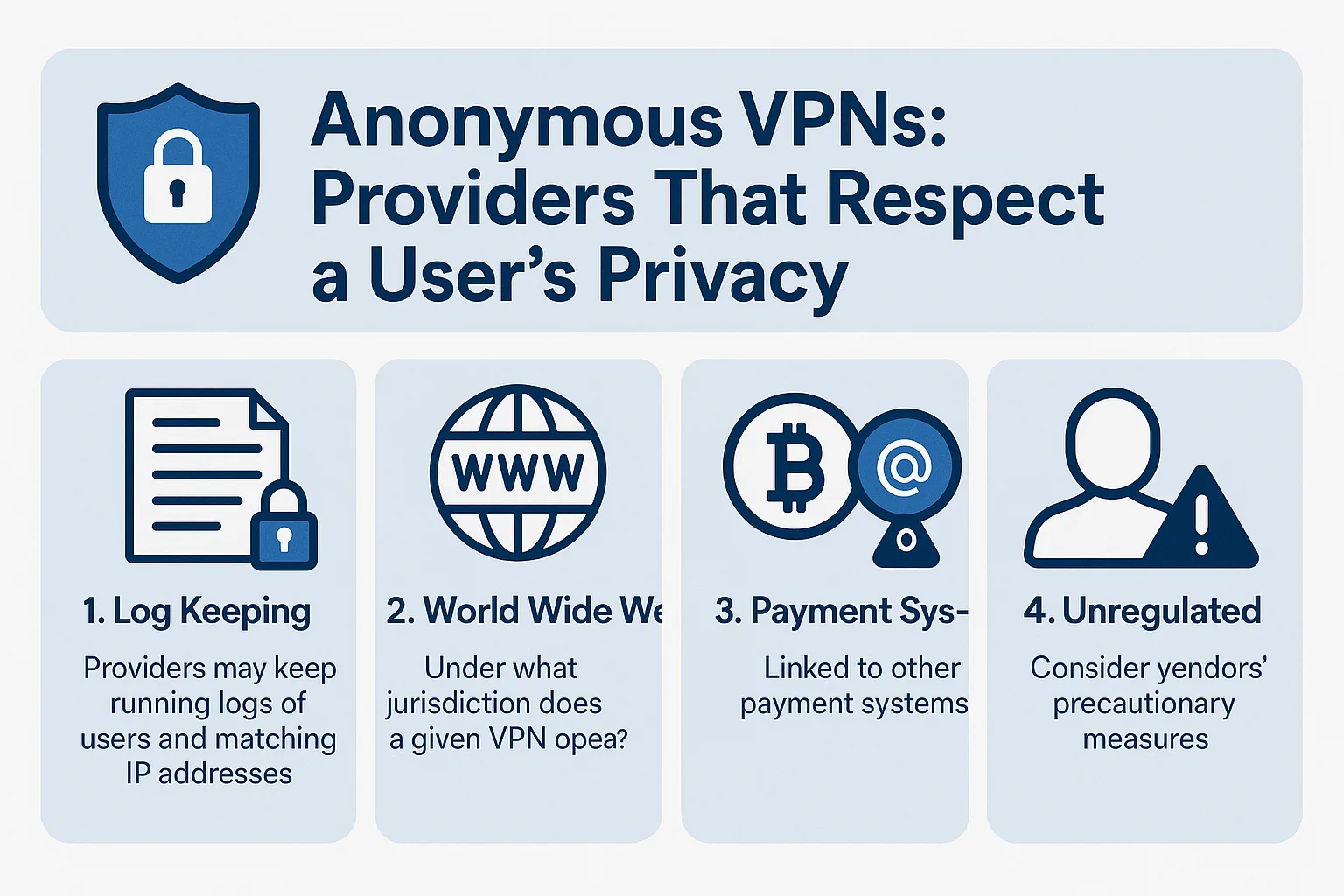
Providers may keep running logs of users and matching IP addresses, possibly exposing information and identity to a third party. Keen providers do not keep running logs on servers, not even for a second (“We keep no logs. This would make both us and our users more vulnerable, so we certainly don’t.”). Yet, it’s a point of exposure consumers do not commonly think about when using a VPN.

VPN Jurisdictions and Legal Responsibilities:

The Internet is worldwide; services may originate from anywhere, all with distinct rules and jurisdictions. Under what jurisdiction does a given VPN operate? Furthermore, what are their restrictions and responsibilities regarding your private information and third parties?

Some VPN providers indicate they “will not share any information without a valid court order,” later stating, “it would be impossible to align a user’s identity with their IP address.” Consoling words, yet it’s up to the consumer to do their homework on VPN providers.

Payment Systems and Privacy Risks:

A number of VPN services are linked to other payment systems, creating the potential for a security breach. While all providers pledge the utmost measures of security, some urge users to engage via an anonymous email. Furthermore, some mention the use of Bitcoin (“We would like to encourage our users to use an anonymous e-mail and pay with Bitcoins to ensure even higher levels of anonymity should it be required.”).

Consumers must consider exposure on one platform as well as that platform’s relationship to other third-party services.

VPNs and the Risk of Unregulated Content:

Online piracy of content runs rampant as download sites offer free music, books, movies, etc., illegally. Those offering downloads are subject to fine and years of imprisonment. Penalties are reserved for publishers as well as those downloading. Some cases have found defendants guilty of downloading less than 50 songs, yet attracting penalties equaling in the thousands.

Ensure a given VPN provider works in accordance with the DMCA. Seek vendors (such as Vuze.com) abiding by copyright and content regulations.

VPN Encryption and Data Protection:

VPN services provide a network of possibilities, yet there should be zero reason to maintain the actual data. That is why services encrypt data, making it virtually impossible for hackers to align identities with personal IP addresses. Even when using public services—from a café, for instance—all public users should be safe from one another and outside hackers, disabling theft of personal information.

Of course, providing credit card and personal information over a VPN source does create another layer of possible intrusion; therefore, all consumers need to proceed with caution.

Final Thoughts on Using VPNs Safely:

Using VPNs is a convenient and oft-leveraged service, yet users need to keep aware of vendors’ precautionary measures, facilitating the security of personal information.

Top 20 Apps to Make Free Calls Online (Voice & Video)

Introduction on Apps to make free calls online –

As a matter of fact, we are going to share our article on Apps to make free calls online. Moreover, we know that nowadays landline, telephone, or other cable phones or telephones have come to the end. i.e. landline and telephones are no longer in use.

Apart from this, smartphones have taken the place of cable and landlines telephones. As we know, now we can avail internet data at very cheap price i.e we can access cheaper data Internets. Furthermore, the majority of people wants Apps to make free calls online.

However, all applications need internet connections to make the call, but its a fact that we are being connected to friends and family i.e. we can talk or make calls without spending a single penny.

Undoubtedly, it’s good that now there are least cable cord calls, and people are shifting to modern smartphones. Other than that, free calls can be made through the connection of wifi, LAN, or carrier plans. Without a doubt, smartphones have totally modified and changed their way of calling.

There was a time when we used to spend huge money to talk to someone, but now modern phones with just an internet connection provide free calls nationally, as well as internationally.

Apps to make free Voice calls online i.e many applications help to call and connect voice as well as video call for free. It just needs an internet connection on the phone. Here we are providing you the list of 17 Apps to make free calls online so that you can enjoy free voice and video calls.

1. WhatsApp:

PRICE: FREE

CLICK HERE TO OPEN WHATSAPP

As a matter of fact, first WhatsApp was only developed as a text platform i.e users of Whatsapp can only text to each other. However, as it becomes popular, and people started to like the app, then it came with the up-gradation of voice calls.

Furthermore, later on, the video call feature was also being added in WhatsApp. Without a doubt, Whatsapp is the most popular messenger application in the world.

We placed this app in the first position of our list because of the popularity and the end to end encryption used in Whatsapp messenger i.e. WhatsApp server will not be able to read or store any messages which are sending in the chats.

Absolutely, you can use WhatsApp Apps to make free Video call online in each and every country where it is available. Other than that, WhatsApp comes with many other features such as – sending photos, sending documents, voice recordings, live locations sharing, sending contacts, audio, and much more exciting features which make it most popular and most downloaded messenger application across the world.

2. Facebook Messenger:

PRICE: FREE

CLICK HERE TO SIGN UP ON FACEBOOK

As a matter to fact, facebook is basically known as a social media platform which has billions of active users who use facebook to read newsfeeds, watch pictures, video, connect with friends, and many other activities. However, Facebook apps can also be used to make voice calls and video calls.

Moreover, one of the advantages of facebook application is that it is used worldwide and has a great network base. Other than that, the popularity of facebook is not hidden to anyone.

Furthermore, maybe you are already using Facebook for a long time. We may say, everyone uses facebook. Other than that, Facebook has a feature of free messaging, free calls, and free video chats which is a great advantage.

It is a perfect Apps to make free Online calls. Besides this, you will need a Facebook messenger which allows users to make free calls with the help of internet data. To be noted, people generally do not use facebook as a calling application. Its basically a social platform which also has calling access.

3. IMO:

PRICE : FREE

CLICK HERE TO ACCESS ON imo

In this list of best apps to make Free calls online Imo is at 3rd place because Imo popularity is increasing rapidly. Equally, like whatsapp it also support audio and video calls which works in 2g, 3g, and 4g internet connection.

To be mentioned, both the parties who are going to make the call needs the imo application installed in there smartphone to make the connection. Furthermore, imo is popular as well as free application where there is no limits to make the call i.e. you can call unlimited times.

One of the advantages of imo is that it comes with a library of vast, and huge collection of stickers which make the conversation more interesting. In addition, imo can be supported in both ios as well as android smartphones.

Other than that you can also install a chrome extention to access imo on leptops or computers. You can enjoy all features in smartphones as well as leptops or computers.

4. Skype:

PRICE : FREE

CLICK HERE TO ACCESS SKYPE

Skype users are not just a user of the application, they are fan of it. This application allows HD{high defination} video calls. Moreover, skype is a microsoft product which allows free chats, and free hd video calls. To be mentioned, skype is generally popular among business users.

Actually, its is a free video call application who get connected only when both the parties have installed it. If you want to call on there landlines, and cell phones then you will need to purchase a skype subscription which allows access to make cell phone calls.

5. Text Now:

PRICE : FREE BUT SUBSCRIPTIONS AVAILABLE

CLICK HERE TO DOWNLOAD TEXT NOW

Text now application provides you free US number which helps to make all kinds of calls with that particular application. To be mentioned, you can only call them who also have the application. Moreover, if you want to call on landline or cell phones then you will have to pay for it.

Without paying you cannot make regular calls on cell phones. Apart from this, text now has some additional features such as – voicemail transcripts, caller ID, call forwarding , and many more interesting options.

6. Text Free:

PRICE : FREE BUT SUBSCRIPTIONS AVAILABLE

CLICK HERE TO DOWNLOAD

As we know that, text free application was created by pinger. As well as that, pinger is known as an company who is working in the field of free wifi calls for several years. This app is quite similar to text now app. Furthermore, this app helps to create free us number to make calls across the globe.

As we already mentioned, this app also need to be installed in two phones to make the call connection. This application provides you free minutes of calls by watching there ads and videos.

7. GrooVe IP:

PRICE : FREE / Subscriptions also available

CLICK HERE TO DOWNLOAD

It should be noted, GrooVe IP provides free incoming calls, as well as text message, but if you are willing to make outbound calls then you will need to pay some amount i.e free credits. GrooVe IP has there own top up wallet where you can easily top up your credits at the end of each months.

Other than that, if your subscription, or top up amounts ends at the mid of months, then Groove ip app provides you facility to purchase credits anytime with there application.

8. Viber:

PRICE : Free with in-app purchases

CLICK HERE TO DOWNLOAD

Viber known as VoIP service. Later on, viber made a come back which offers services like – text chat, voice chat, and also video calls. Moreover, this app has some facility similer to skype.

You can call viber users free of cost i.e. no charges will be taken, but if you make outbound calls on the cell phone i.e. direct call on phone, then you need some small fee. Apart from this, it also has some special features such as hidden, or secret messages, etc.

Moreover, some more feature which make this app attractive to use such as – stickers library. Clearly, viber to viber calls, text messages, and also video calls are completely free of cost i.e you don not need to pay any amount if both parties have installed the application.

9. Slack:

Price: Free / Subscriptions also available @ $6.67-$12.50 per member per month

CLICK HERE TO DOWNLOAD

Slack application helps to make free calls if both have installed slack. This app popularity is increasing rapidly, because its a complete free app to make calls. Basically, Slack is popular within business persons. Its comes with integrations with other apps too.

10. Google Voice:

PRICE : FREE

CLICK HERE TO DOWNLOAD

As a matter of fact, google voice is one of the best App to make free call online, it helps and allows free internet phone calls, pc to pc calls, and also free pc to phone calls. Other than that it also helps in the management of phone numbers, incoming calls, outgoing calls, and also SMS. It also helps to make free conference calls, and voice mail record services.

11. FreedomPop:

PRICE : FREE

CLICK HERE TO DOWNLOAD

Freedom pop apps makes freedompop to freedompop calls and also app to phone service calls i.e. you can call in telephones, landline, and also in smartphones in us. It is not neccessary that the person has to install the application on there phones.

Furthermore, calling in landline, or telephones, and direct calls you may have to purchase the subcriptions. Freedom pop allows you to sign up and register and choose phones numbers.

12. Google Duo:

PRICE : FREE

CLICK HERE TO DOWNLOAD

One of the most popular application i.e google duo. It is a audio calling app by google, but audio and video calls both are being supported in google duo app. To be mentioned, you cannot send any text messages with google duo i.e text feature function is not available. Furthermore, you cannot make a landline or phone calls if they are not using this app.

13. Snapchat:

PRICE : FREE

CLICK HERE TO DOWNLOAD

Snapchat, a social platform, and a messaging platform. Importantly, snapchat is famous for texting and pictures sending capabilities, but its also a great app to make online calls. Furthermore, snapchat allows you to make free audio as well as free video calls with your contacts on snapchats.

Snapchat make calls with the help of of data connections i.e internet or wifi. Direct calls on phones are possible with the help of snapchat.

14. Telegram:

PRICE : FREE

CLICK HERE TO DOWNLOAD

Especially, telegram is a messanger app just like whatsapp and skype. It also allows to add 1000 members in a single group where as whatsapp just allows 257 members to get added on there groups. Besides this, it can be used on mobilephones, tablets, as well as pc or leptops.

To make calls you will have to add contacts to the app, calling is possible by opening the contact info page, and then selecting the phone icon. Apart for this, telegram can be run in Android, iPhone, iPad, Windows Phone, macOS, Windows, Linux, and the web.

15. Tango:

PRICE : FREE

CLICK HERE TO DOWNLOAD

App to App free internet calls is possible with tango application. It is available in Android as well as ios devices. Importantly, this apps grants to access the contacts, so that new contacts can be added by serching on your existing contacts book. In the list of your contacts any one who uses tango will be shown to you as a friend in the application.

16. Libon:

PRICE : FREE

CLICK HERE TO DOWNLOAD

Libon is a mobile application that makes free internet calls. It provides some useful features such as – app texting, sending photos, sending videos, making audio calls, and also video calls.

17. Globefone:

PRICE: FREE

CLICK HERE TO DOWNLOAD

Globfone allows pc to phone calls connections, i.e. you can call through pc to phones. One of the exciting features of this application is that the receiver cannot see any number. They can just see “UNKNOWN” written on their device. Basically, this app does not need to be downloaded because it can be worked from the browser.

18. Vonage Mobile:

PRICE: FREE / SUBSCRIPTIONS ARE OPTIONAL

CLICK HERE TO DOWNLOAD

Actually, vonage Free App to make free calls. Other, than that this app also offers you some invite bonus which can be used at the applications for calls. Importantly, vonage mobile offers 1 dollers of credit on each and every friend you invite.

19. Dingtone:

PRICE : FREE

CLICK HERE TO DOWNLOAD

We do not recommend this app so much, because this app was shut down from a log time which shows carelessness of this app. Later on, this app came back with some exiting and some unique features such as – calls, call forwarding facility, calls blocking features and so on.

20. WeChat:

PRICE : FREE

CLICK HERE TO DOWNLOAD

As we know that we chat is basically used in china. Its a popular app and preffered app in china market. Basically, this app was invented and founded in china and its there official messaging app. However, we chat allows you to make audio calls, video calls free of cost with any intruptions of ads.

CONCLUSION –

In the final analysis, our team have done a deep research in searching for Apps to make free calls online. Moreover, We tried to select most pupular and convenient apps which can help to make free call online.

Apart from this, we have selected top 20 apps which are – WhatsApp, facebook, skype, text now, imo, we chat, dingtone, vonage mobile, glovefone, libon, tango, telegram, snapchat, google duo, google voice, slack, Text free, text now, and many other useful Apps to make free calls online. We hope you like our content, and you may find it useful. Thanks.
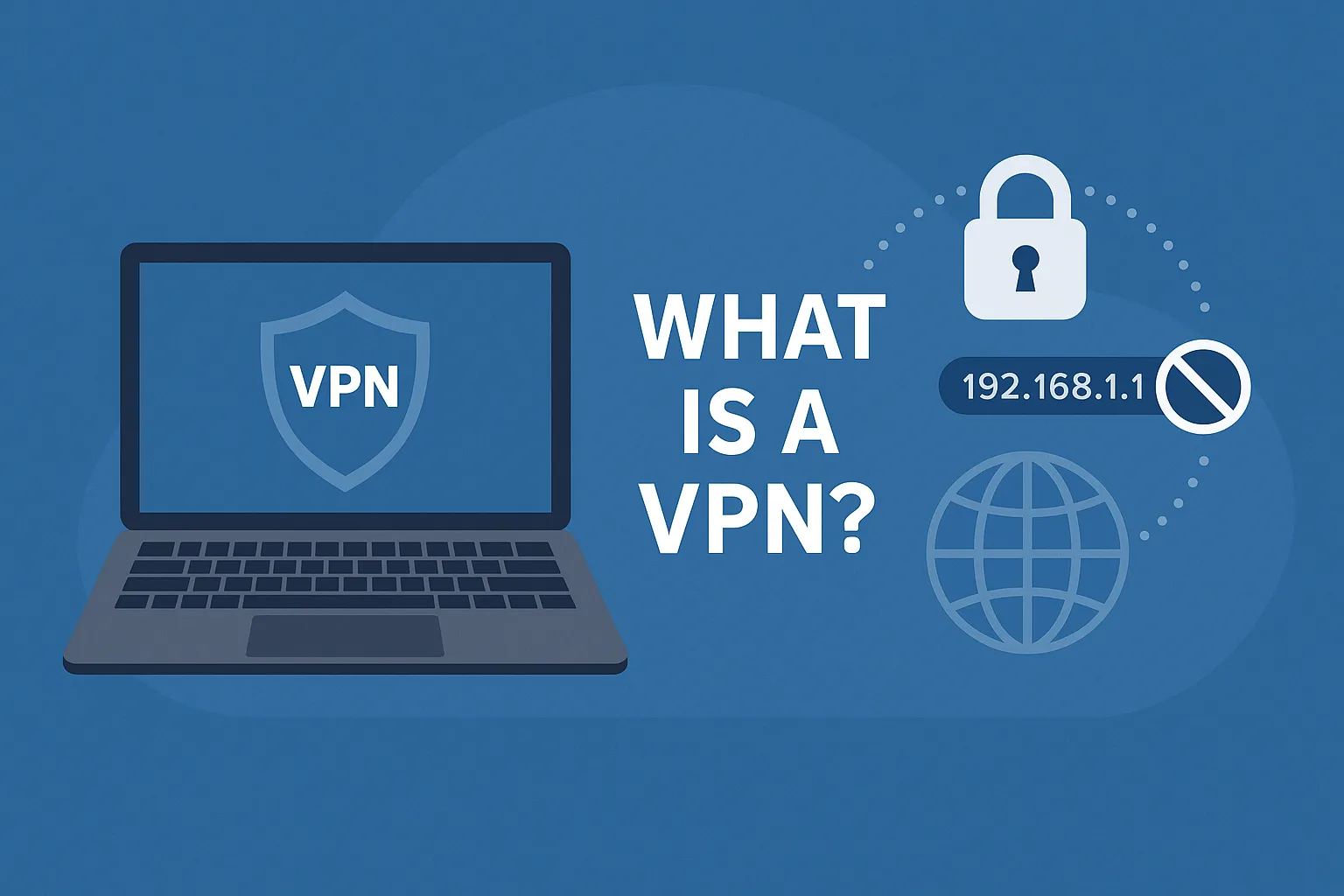
What Is a VPN? How It Works & Why You Need One Today

What Is a VPN? How It Works & Why You Need One Today

My dear friends, today I will talk about VPN. Today we will know how VPN works and how to use them, and Why You Need. So let’s talk about the VPN.

What Is a VPN How It Works & Why You Need One Today

What is a VPN? (VPN Explanation)

VPN stands for Virtual Private Network, and perhaps you’ve heard that term in relation to security and geolocation. But what exactly is it, how does it function, and what can it do for you? Well, let me explain.

How the Internet Works (Before VPN)

Now, before we jump into VPNs, let me explain a bit about how the internet works. At home, you’ve probably got some sort of router or modem from your phone company or your internet service provider. That is connected to your desktop, maybe by an Ethernet cable, to your phone over Wi-Fi, or to your laptop over Wi-Fi, etc.

Inside your home, when your laptop talks to your computer or your phone talks to your computer, that is a part of your private network. It doesn’t go out onto the internet — it stays inside your home. But the moment you open a page on the internet, that data moves through your modem into your local phone company and then out over the internet. It will traverse the web until it gets to the server. The server will then answer with some information that returns through the web to your local telecommunications provider, down through your modem, and back onto your computer or smartphone.

What is an IP Address?

While all that data is rushing around the web, it has to know where it’s going. To do that, every piece of data needs an address — just like the postal service. These are known as IP addresses. You’ve probably seen them: four digits from 0 to 255 with dots between them — for example, 178.34.67.120.

Your modem or router is assigned an IP address from your ISP. Every server or router your data touches as it travels the web knows that IP address. When it reaches a website server, it logs that IP address and the information you requested — not because it’s spying on you, but to collect analytics like visitor count, peak times, etc.

IP addresses are assigned in blocks. That means your IP is similar to that of your neighbors. There are databases that can tell where these IP blocks are located, sometimes even down to a few blocks from your home.

If you don’t believe me, go to WhatIsMyIPAddress.com — it will show you what info can be found about you from just your IP address.

Why Should You Care?

Usually, it’s not a big deal if you’re just visiting Twitter. But what if you’re researching something sensitive — like a personal issue or a culturally taboo topic? Then the server you visit knows your IP, and so does your ISP. Most governments have legal systems that allow them to request your personal info based on IP address and browsing history. Depending on the country, this can happen quickly or under strict rules.

It’s not just governments you should worry about. Public Wi-Fi — like in coffee shops — is extremely risky. Anyone with some tech knowledge can sit in a cafe and intercept the unencrypted data flowing through the air. They can grab passwords, URLs, and even content from emails.

Even with apps like WhatsApp that offer end-to-end encryption, it’s still dangerous to do online banking or visit PayPal on public Wi-Fi. Just don’t do it.

Geolocation and Regional Restrictions

Let’s say you’re traveling and want to access a streaming service. If you’re outside the country, you might be blocked from viewing content. The streaming server checks your IP and sees it’s from another country.

Even pricing changes based on geolocation. ExpressVPN recently found that the price of the same flight ticket varies depending on your IP location. This is called geo-fencing and affects how we access content and services online.

How Does a VPN Help?

A VPN creates a secure, encrypted tunnel between your device and a server elsewhere in the world. When you access the internet through this tunnel, your IP is replaced with the VPN server’s IP.

Here’s what that means:

  1. Your local ISP and government can’t see what websites you’re visiting — it’s all encrypted.

  2. The website you visit sees the IP of the VPN server, not your real IP. It thinks you’re in a different country.

  3. On public Wi-Fi, your data is encrypted, so hackers can’t intercept it.

How to Use a VPN

First, you need a VPN service. There are many available online. I personally recommend ExpressVPN — they’re great.

When you subscribe, you get a username, password, and a list of servers in Europe, the US, South America, Asia, and more. You can choose the country/server you want to connect to.

  • On Android, ExpressVPN has an app. Just install, log in, and tap the server you want.

  • On Windows or macOS, you can either use the app or manually create a VPN connection from settings.

VPN Features

  • Save your personal data

  • Save from hackers

  • You can hide your IP address

  • Etc.

Conclusion

If you have any questions, please comment down this post and tell me if I made a mistake so that I can correct it. Thanks for reading…

10 Hacking Apps For Android 2025 – 2050

hello guys, here is the top 10 killer hacking apps, that you just need some time, so stay tuned.

10 Hacking Apps For Android 2020


1) Drive Droid
Drive Droid

simply assume One of your Friend has changed your PC secret key and leave, And, you desperately need to remove a few records from the PC Or let simply say, Your PC smashed and you have to email the essential report to your companion. Presently, as a rule, on the off chance that you need to boot to a PC with live disc or something. Yet, that requires significant investment and different PCs.

Isn’t that so? All things considered, this is the place Drivedroid acts the hero you. This little root application, can fill in as live USB Download a little Linux distro like – slitaz And mount it Now, interface your android with the PC with USB And boot from it And there we go..

Generally, it takes 5 mins to do everything And you can boot into any PC from just Android telephone.

 2) NETCUT


NETCUT

The rundown of the hacking application can’t be finished with Netcut. Along these lines, Netcut is like WiFi kill ( you may have heard previously) And everything it does is dismiss individuals from your WiFi organize, With only a pinch of catch, But there are two elements that improve it than WiFi kill One.

Let you look gadget by name Which is sufficient motivation to utilize this application And second is you can change the web speed on any gadget on your system By moving the slide So, 0 implies no web and 100 means full web speed.

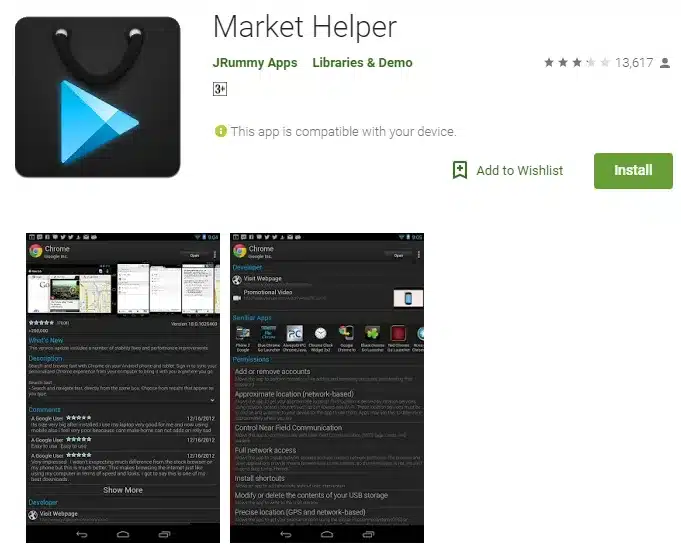
3) Market Helper


Market Helper

now and then This happens to all, Where you are attempting to introduce a cool new application from the Play Store But tragically, either the application isn’t accessible for your gadget or nation? All things considered, in such cases, the undeniable arrangement is To sideload it apk.

Isn’t that so? However, with advertising assistant, You can parody your gadget model, locale or transporter And now you can go to play store and download your preferred application Though, in light of the fact that you change your gadget display number It doesn’t really mean each will keep running on your gadgets Ultimately, it goes down to the similarity of the application with your gadget.

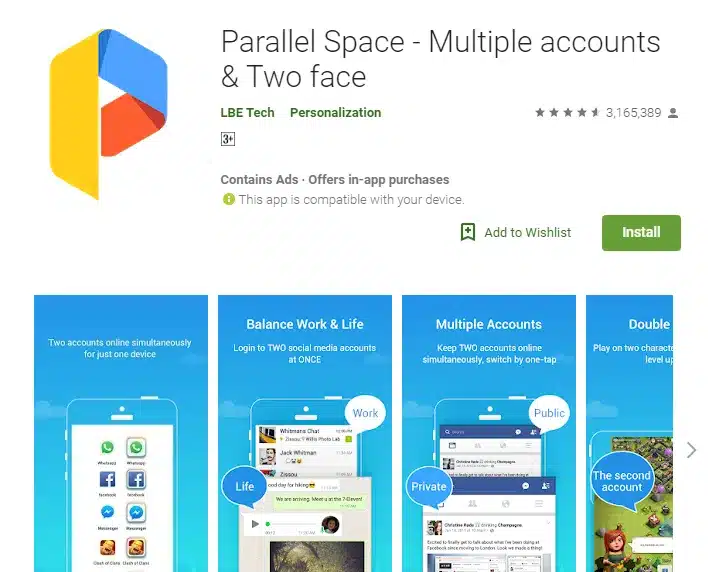
4) Parallel Space


Parallel Space

There are times when you need to run various occurrences of the same application Like two WhatsApp, Instagram or Snapchat account and so on. Let simply say, two occasions of any application. What’s more, with parallel space you can do that.

Thus, the way these application works is really simple. It makes a segregated situation and permits other occurrences of the applications to running inside it. What’s more, since you are running the authority application on the two sides.here is additionally a generally safe of getting you to account prohibited.

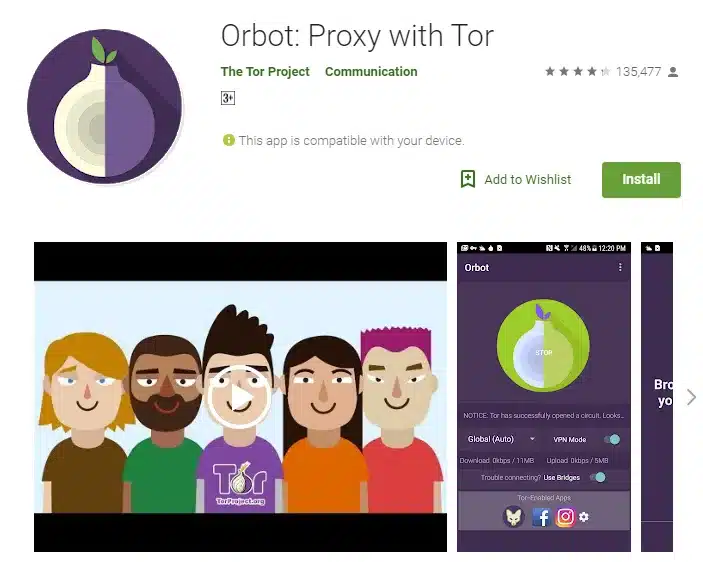
 5) ORBOT


ORBOT

Presently, on the off chance that you are into hacking and anything that works with delicate information, Then orbot is one of the must-have instruments in your weapons store. All in all, what precisely does it do? All things considered, orbot is a tor customer Which gives you a namelessness on the web. Along these lines, here is the manner by which it works You begin the orbot server And begin perusing.

At first glance everything will seem typical But in the event that you touch the most superficial layer you will see, tor ricochet your association with at least 3 servers. furthermore, that is pretty astounding.

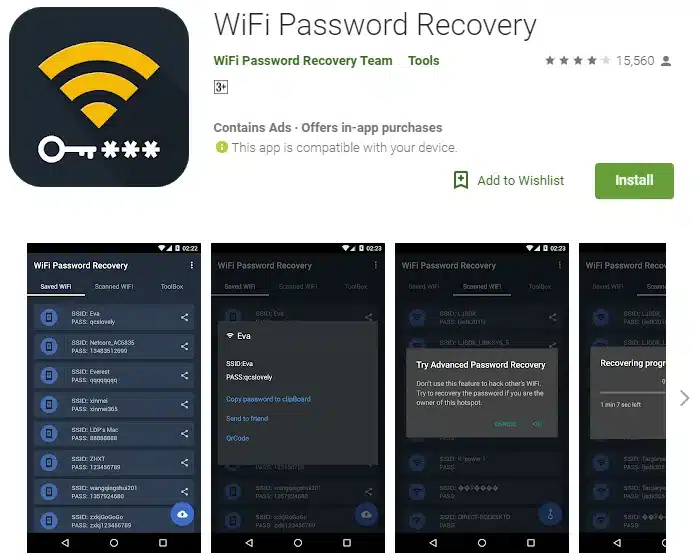
6) WiFi Password Recovery


WiFi Password Recovery

Along these lines, the rundown of hacking applications can’t be finished without discussing the WiFi And well WiFi secret key recuperation is a straightforward application, That can separate your WiFi secret key of the spared arrange.

So not at all like windows and macintosh Where you can specifically observe your spared WiFi secret key, Android shrouds all the WiFi secret key in framework documents Which you can just access in the event that you have root get to And applications like Wifi secret word recuperation will assist you with that.

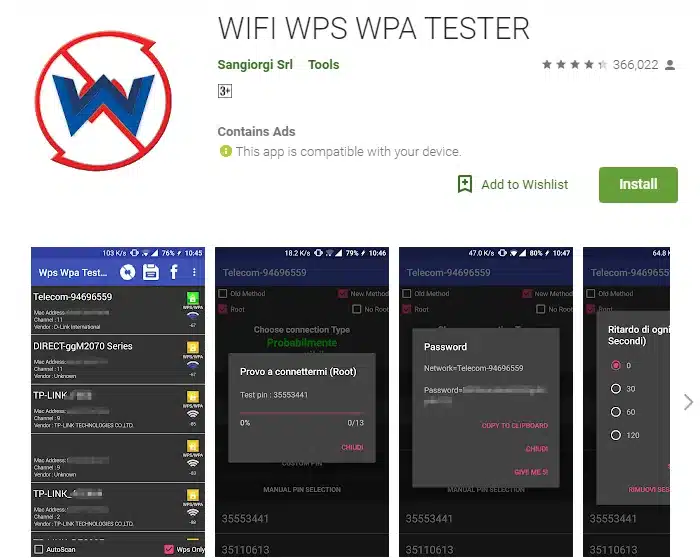
7) Wps Wpa Tester


Wps Wpa Tester

Have you ever ponder, Android application to hack a Wireless system? I mean with no secret phrase or anything? Also, well, indeed, If the switch has eenabledWPS as a matter of course (which is turn ON naturally and the vast majority don’t more often than not make sure to turn it off) Then shots are you extricate the Wifi secret key.

Presently, the TLDR rendition is- – Most switch has WPS highlight Which let different gadgets like wifi printer associated with the switch by squeezing the WPS catch And they share an 8 digit over the internet.

So, what applications like WPS does is, It attempts to figure the default WPS PIN of the switch And endeavor to interface with that switch utilizing that. What’s more, from what I have seen up until now, It works with 60-70 percent proficiency.

8) PixelKnot


PixelKnot

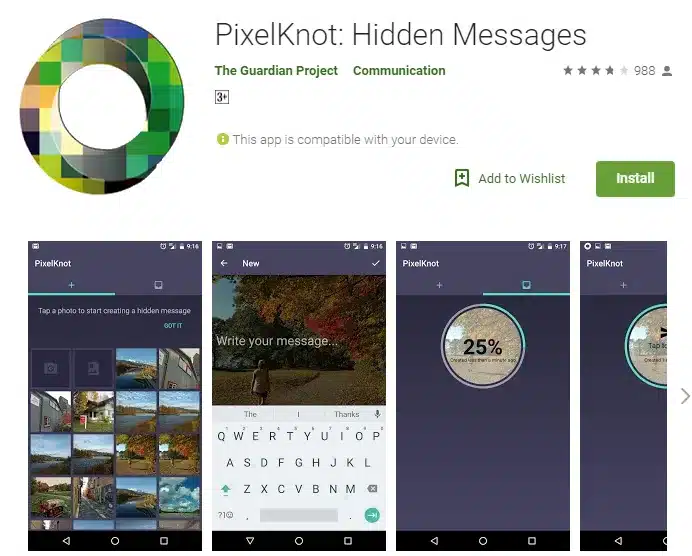
Concealed Messages Now, in the event that you are sending encoded content Everybody will see you are up to something By observing the ciphertext. However, imagine a scenario in which you need to pass your mystery message on display Without being suspected. What’s more, well, steganography is the approach at that point.

Applications like pixelknot Can shroud your mystery message inside a picture Which you can then-secret phrase secure and send to your the receipt over Whatsapp or email All they will see a straightforward picture But when they open it with pixelknot and enter right secret key Well, there you have it The mystery message.

9) Cryptography


 Cryptography

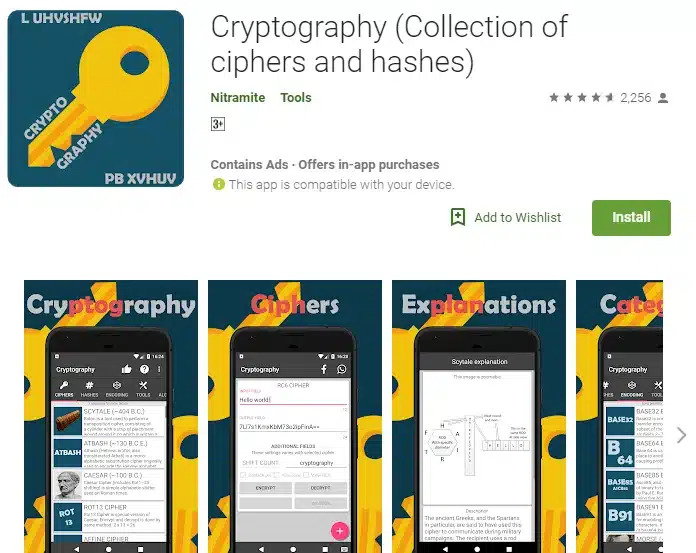
Let’s assume you need to send somebody a mystery message through the open channels like Gmail or WhatsApp Or the manner in which I utilize it Say, I need to compose all my vital keeping money secret word in plain paper as a reinforcement for my family.

Presently, it’s absolutely impossible, we can utilize plain English for this delicate information. Isn’t that so? What’s more, cryptography is the arrangement here. Along these lines, fundamentally what it does is – You enter a plain content and it’ll produce ciphertext Which is long series of sentences that don’t bode well to anybody And you can send it by means of email or record it on a bit of paper And to interpret it, Tell the other party of utilization same unscrambling ago That you use for encryption.

However, just to be erring on the side of caution Make beyond any doubt you utilize in excess of 2 encryption So, that nobody in the center can utilize an apparatus to figure out the code.

10)  zanti


zanti

Things being what they are, what precisely does zAnti do? What’s more, well it completes several things. Along these lines, when you first open the application It filters for all the gadget on your system Pick the one, you need to target And then sweep for open ports and weakness Or the prevalent element is Man in the center assault Where you can track what casualty is perusing Logged the pictures, Or even divert the casualty to various URL Obviously, this will just work on HTTP locales And not on https destinations.

Furthermore, albeit, its greater part includes are fundamental You’ll require propelled abilities to make most out of this application. So that’s the list of top 10 killers hacking App.