What is a Content Management System?
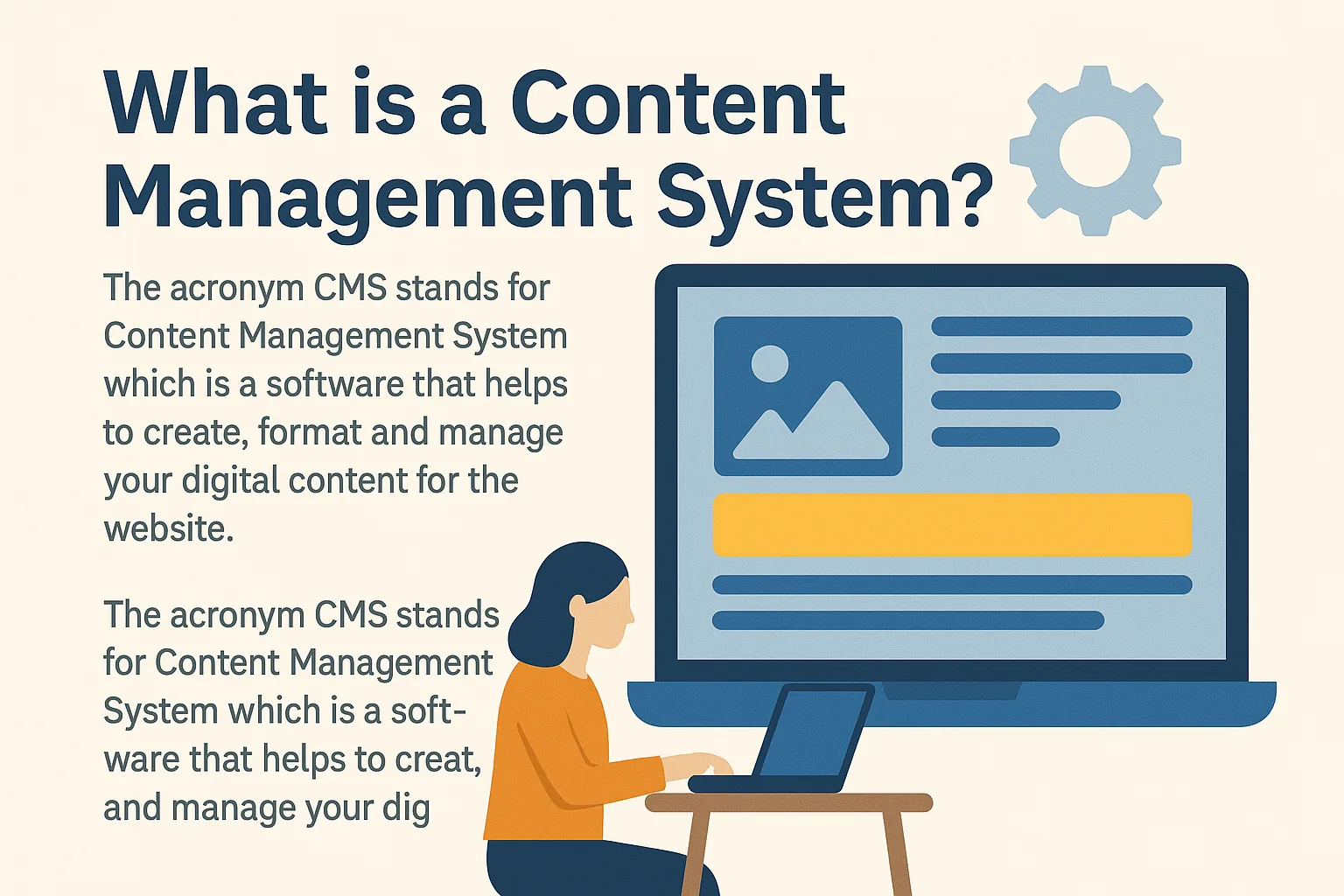
The acronym CMS stands for Content Management System, which is a software that helps to create, format, and manage your digital content for the website. In the early days, HTML was the basic web building block, but it came with certain limitations. In particular, it wasn’t able to deliver dynamic output as it’s a static language.
Why HTML Had Limitations
Also, the basic structure of an HTML document was difficult to understand. Not only that, it was a time-consuming task as you had to write too many codes for a simple webpage. Sometimes, this led to complexity and unnecessary effort.
CMS Makes Websites Easier
A Content Management System empowers you to build your website without having any specialized skills. Thus, a CMS is a tool that can be used to build a website without the basic knowledge of coding. The web design company might use this tool to set up your website instead of creating one from scratch.
CMS focuses on the technical aspects of your website, so you can concentrate on the front end. Moreover, apart from website building, you can utilize CMS in several other ways. For instance, redesigning your website on your own is easy unlike before. Additionally, online marketing strategies are inclusive like SEO, SMM, and email marketing. Web security is also guaranteed. Furthermore, it is cost-effective and saves time.
Components of a CMS
A Content Management Software has two core parts that work together:
1. Content Management Application (CMA)
CMA is the front-end component that enables you to create, edit, and manage content—usually by a template. It is represented by a dashboard that provides several tools to perform various tasks quickly.
2. Content Delivery Application (CDA)
CDA is the back-end component that enables you to input content, store it, and publish it on your website. Therefore, visitors can access and interact with your published materials seamlessly.
How to Use a CMS?
There are two common methods of using a CMS system based on where it’s hosted:
On-Premises CMS
An On-Premises CMS is the one you install on your server—either provided by your web host or created locally. You can make direct changes in your application to customize the website via server access.
Benefits of On-Premises CMS
It is a flexible and reliable option. In addition, it provides better security as there is no third-party involvement.
Cloud-Based CMS
The CMS service provider sells you a Cloud-Based CMS in exchange for an annual fee. Meanwhile, they manage maintenance and software updates for you.
Downsides of Cloud CMS
The downside is that you will have less control and cannot edit the CMS directly. However, Cloud-Based CMS is an economical option and perfect for users needing easy setup.
Key Features of a CMS
Nearly all CMS platforms share some essential features. These benefits help users, teams, and website visitors all enjoy a seamless experience.
User-Friendly Interface
CMS platforms are designed to be user-friendly, whether you’re a non-coder, a content manager, or a site visitor.
Content Management
You can create, edit, update, and publish content with just a few clicks. Therefore, you don’t need to depend on a developer for every small update.
Built-in Security Options
Cybercrime is a serious threat. Fortunately, CMS systems allow you to integrate plugins that prevent potential security breaches.
Version History and Workflow
Most CMS platforms allow you to track edits, roll back to earlier versions, and even identify which user made a change. This helps in managing workflow and meeting deadlines.
Multi-Platform Integration
A good CMS supports integration across multiple devices and platforms. As a result, users enjoy consistent performance everywhere.
Analytics and Insights
Most CMS tools come with built-in analytics. Consequently, you can track visitor behavior and adjust your content strategy accordingly.
Easy Content Access
Fast search tools in a CMS let users find content without browsing the entire website.
SEO and Marketing Tools
Most CMS platforms come with SEO tools, email marketing integration, SMM features, and automated URL generation for search engines.
Advanced Publishing Tools
The publishing interface allows you to add media, create landing pages, and manage content tags and SEO—all in one place.
Easy Redesign
You can redesign your site or make design changes without starting from scratch.
Multilingual Support
Some CMS systems offer built-in tools for creating and editing multilingual content. This can help expand your global reach.
Top 10 Content Management Systems
1. WordPress
The most popular CMS by market share, WordPress is beginner-friendly, reliable, and has a powerful editor. However, users must manage security and backups manually. Big brands like Forbes, CNN, and Spotify use WordPress.
2. Joomla
Joomla is great for SEO and offers multilingual support. However, it’s more complex and lacks enough free templates. Brands like IKEA and LINUX use Joomla.
3. Drupal
Drupal is perfect for handling large data with high security. Though not beginner-friendly, it’s used by The Economist, Lady Gaga, and Lamborghini.
4. Shopify
Shopify offers an all-in-one solution with integrated payment gateways and 24/7 support. However, pricing may be high ($29–$299/month).
5. Magneto
Highly customizable with multiple payment gateways, Magneto is used by Nike and Coca-Cola. On the downside, it is very expensive.
6. Strikingly
A free CMS ideal for building one-page mobile-friendly sites. However, editing the mobile version directly is not possible.
7. TYPO3
TYPO3 supports multi-language and multi-site setups. However, it requires experienced developers to operate effectively.
8. PrestaShop
An eCommerce CMS with a helpful community, but it has a steep learning curve.
9. Crownpeak
A headless CMS offering a visual editor and live-preview changes before publishing. It’s great for multipurpose content delivery.
10. Wix
Wix is beginner-friendly with drag-and-drop features. However, you need a paid plan to use eCommerce features.
Final Thoughts on CMS
In today’s content-driven world, a CMS allows you to update your website quickly and easily. The biggest benefit is that no coding is required to create or publish content.
Choose Wisely
Before selecting a CMS platform, consider the following:
It should be manageable
It must offer customization
It should be cost-effective
It must provide solid security
By choosing the right CMS, you can take control of your website and manage updates independently. Even though CMS platforms have security risks, these can be mitigated by updating and maintaining your system regularly.